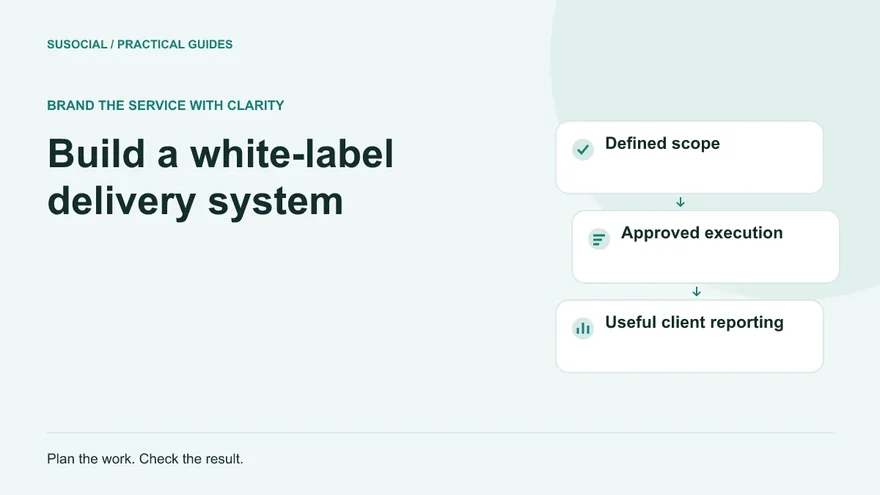
White-label social media automation is a service arrangement: an agency presents a managed workflow under its own brand while tools and specialist work support delivery behind the scenes. That is different from a software product offering a rebrandable client portal or its own reseller licence.
Start with what the client is buying. A useful service might include content preparation, approved scheduling, publishing checks and a monthly review. Define those deliverables clearly, then build a delivery process that can meet them. A polished agency report cannot compensate for unclear ownership or a queue nobody reviews.
Sell a defined service, not an automation promise
Describe the client’s problem in concrete terms. Perhaps good content is published inconsistently, several locations use conflicting information or the internal team spends too much time copying approved material between destinations. A defined problem leads to a service the client can assess.
List the deliverables and boundaries. Include platforms, authorised destinations, content volume or production scope, approval responsibilities, response handling and reporting. Say what triggers additional work, such as a new brand, a video series or an urgent event campaign.
Avoid promising follower counts, guaranteed sales or freedom from account restrictions. Those depend on factors beyond routine publishing execution. Sell the work you can control and explain how audience and business outcomes will be reviewed.
Keep the term white-label precise in proposals. If the agency brands its own service documents, say so. Do not imply that SuSocial itself provides a native white-label portal, client permissions system or rebrandable application unless current product evidence supports that specific feature.
Map the client-facing and delivery-facing layers
The client-facing layer contains the brief, approvals, service calendar and reports. The delivery layer contains content production, supported software configuration, execution checks and incident handling. A handoff connects them; it should not depend on one account manager’s memory.
Decide which tools hold each record. An external project or approval system may be the right place for client review. SuSocial can support its documented social workflows without being described as every part of the agency’s operating stack.
Use the SuSocial feature overview to match the promised platform work to available capabilities. Check specific platform pages before adding a format or action to the service. A general network label does not establish every possible use case.
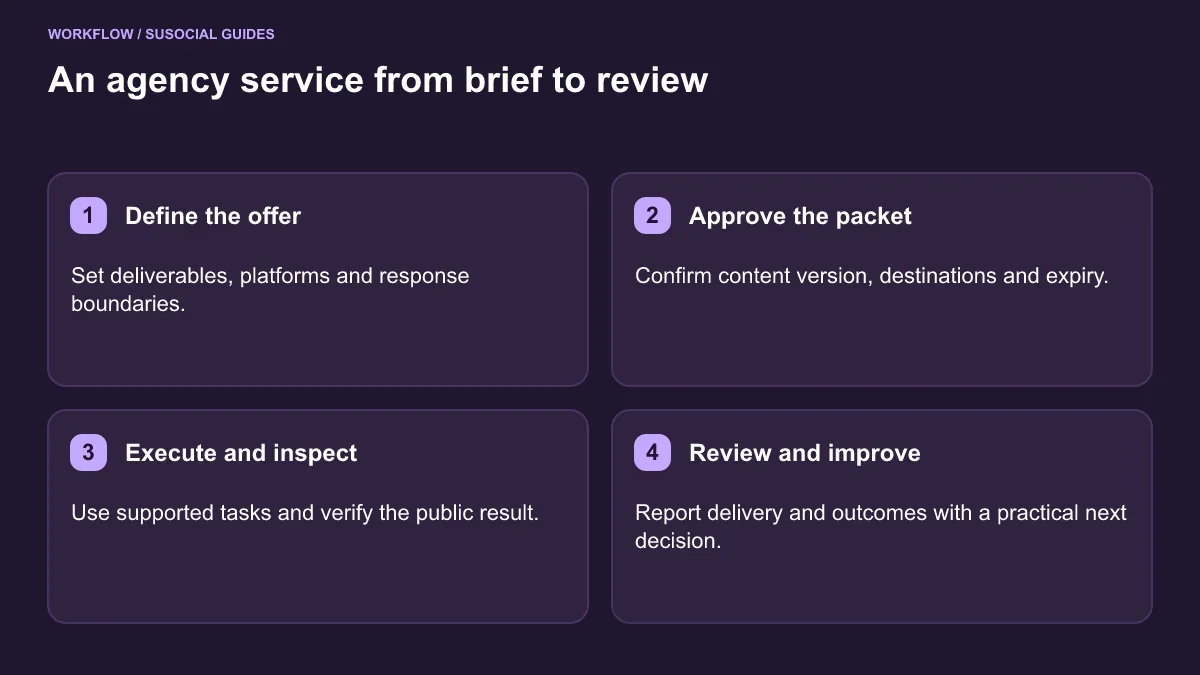
Document the handoff from approved content to scheduled content. Include the final text, media version, destination, link and expiry condition. When that packet is complete, the operator can execute reliably without reinterpreting a sales conversation.
Build approval into the production calendar
Agree who can approve the client’s content and when approval is due. A service that requires daily sign-off needs a different timetable from one based on an approved evergreen library. Keep the requirement realistic for the client’s availability.
Define what happens when approval is late. Options may include postponing the item, using an already approved alternative or escalating to a named substitute. Do not quietly treat silence as approval unless the agreed process actually establishes that arrangement.
Keep feedback tied to a specific version. A caption changed after approval may need another review, especially when the change affects a claim, offer or destination. Version clarity protects both the client and the operator from publishing the wrong draft.
Record editorial expiry. A promotion, event reminder or seasonal message can become inappropriate even if it was approved earlier. The delivery packet should make that condition visible so a recovered or delayed queue does not publish stale material.
Organise execution without mixing client responsibility
Use a consistent account register and clear internal names. The Social Profiles guide describes account organisation, tags and filtering. Match those references to the agency’s client records so the operator can identify the intended scope before acting.
Keep access based on authorised ownership. Where platforms support delegated roles, use the appropriate route. Store credentials and sensitive exports in protected systems rather than the same folder as public content drafts.
Run a pre-execution check for destination selection, media version, caption and schedule. A branded service depends on getting those ordinary details right repeatedly. One bulk action applied to the wrong client can undo the efficiency gained from many correct scheduled posts.
Inspect actual publication, not only the local status. Confirm the public result and record exceptions. This creates evidence the account manager can use in a client update without claiming every green application indicator is a complete service acceptance check.
Assign infrastructure and recovery ownership
If the workspace runs on a Windows VPS, identify who maintains the host, application and network dependencies. Hosting does not automatically include application monitoring or account recovery. Keep those responsibilities in the service plan and cost model.
Use supported backups through the Error/Backup controls. Rehearse a restore without enabling duplicate publishing. Recovery should preserve one clear owner of the reviewed queue.
Define incident categories and communication. A client needs to know whether a post is delayed, an account requires owner verification or the workspace is unavailable. A vague message that “the automation is being checked” provides little basis for a business decision.
Keep a substitute operator and runbook. A service is fragile if only its original specialist knows where the media lives or how to stop a campaign. Test a handover with someone who did not configure the workspace.
Make reporting useful under the agency’s brand
Report delivered work separately from audience response. Delivered work includes approved items published, exceptions resolved and content improvements made. Audience response includes relevant enquiries, useful visits and platform metrics with clearly defined periods.
Explain the decision behind the numbers. If a content category attracts questions but few destination actions, the next month’s plan may need a clearer next step or landing page. A report should lead to an editorial or service decision rather than simply display increasing totals.
Keep attribution modest and explicit. A social visit may contribute to a sale without being its only cause. Use agreed tracking and the client’s conversion records where available, and distinguish observed association from a claim that the automation caused the entire result.
Brand the report through clarity, typography and useful commentary. Do not invent a research team, customer case or performance percentage to make the service look established. A transparent delivery record is a stronger trust asset than an impressive-looking unsupported chart. Keep source dates and definitions beside important metrics so the client can interpret them correctly.
Handle subcontractors and client information deliberately
If specialists or external service providers participate, identify their role and access. The client agreement and applicable data requirements should reflect the actual arrangement. Do not let a white-label presentation obscure who can see account or customer information.
The ICO’s controller and processor contract guidance is a relevant starting point for UK data-processing arrangements. The applicable obligations depend on the actual service and jurisdiction, so use the right professional review for your contract rather than copying a generic clause from an unrelated proposal.
Minimise shared information. A designer may need an approved image brief without account access. A publishing operator may need the final packet without the client’s entire customer database. Separating those needs makes the service easier to administer.
At the end of a project, remove access and handle retained files under the agreed process. Keep the client able to recover its own assets. A white-label service should remain professional when the relationship ends, not only while the monthly invoice is active.
Model the service before adding many retainers
Create a service catalogue with three columns: included recurring work, separately scoped work and client responsibilities. Put concrete examples in each. Routine preparation of approved image posts may be included; a new product-launch video series may require separate scope; supplying accurate stock information may remain the client’s responsibility. Review that catalogue during onboarding so the client can see how a request moves through the service.
Keep a change process for requests outside the original scope. Record the requested outcome, extra production or review work, proposed timing and approval. This prevents small unpriced exceptions from accumulating invisibly and avoids surprising the client with a retrospective invoice. A clear change process also protects operators from being asked to deliver urgent work whose facts or assets have not arrived.
Estimate recurring work by task: briefing, preparation, approval coordination, execution review, reporting and exceptions. Include setup separately. A standard publishing service and an ongoing community-response service should not share one hidden labour assumption.
For an illustrative package, imagine an agency serving a small retailer with an approved weekly content calendar. The agency prepares material, obtains sign-off, schedules supported posts and checks results. It reports useful questions and destination actions each month. A separate agreement covers live customer-service responses. That scope is understandable without claiming that one operator can handle an unlimited number of clients.
Pilot the service with a small representative client set. Measure actual effort and recurring problems, then adjust the scope or price before expanding. A service model that works only when clients never request changes is not ready for scale.
Keep quality checks visible in the capacity calculation. Reducing verification or approval work may make a spreadsheet look more profitable while increasing the chance of public mistakes. Efficiency should remove avoidable repetition, not the steps that keep the service trustworthy.
Questions about an agency-branded automation service
Does white-label mean the client must receive software access?
No. It can describe a managed service presented under the agency’s brand. If client software access or a portal is promised, verify that specific capability and include the appropriate permissions and support process.
Can SuSocial be the execution layer?
It can support the documented platform tasks that fit the agreed service. Keep approvals, reporting and other external systems clear where they perform separate functions. The service should describe the complete workflow accurately.
What makes the offer appealing to a client?
A clear outcome, predictable responsibilities, visible delivery and a useful review process. Build the offer around those benefits. They remain persuasive without an invented growth guarantee or a software capability the product does not claim.

Leave a Reply