 Instagram
 Facebook
 Twitter
 YouTube
 Pinterest
 LinkedIn
 Tumblr
 Quora
 Reddit
Keep your Twitter / X conversations moving.
Schedule Twitter posts, import content from RSS feeds and manage mentions and direct messages. Configure follow actions, retweets and automatic replies, and use Night Mode to pause activity during chosen hours.
No credit card required Windows 10+
-
Prepare the next posts
Bring scheduling and RSS content into your routine.
-
Stay part of the conversation
Work with retweets, mentions and direct messages.
-
Set your working rhythm
Review results and pause activity with Night Mode.
A useful Twitter / X presence combines timely posts, relevant conversations and a clear editorial focus. When several accounts are involved, organising the next posts, following mentions and finding suitable content to share can become a repetitive daily job.
SU Social brings scheduling, RSS imports, retweets, mentions and direct-message tools into the same Windows workspace. Build a queue around your topics, choose how you want to interact and use recorded results to refine the routine. Night Mode lets you pause account activity during selected hours.
Keep your Twitter / X routine focused
Decide what your account should be known for, then build a repeatable rhythm around those topics. Publishing, sharing and conversations work better together when they serve the same audience.
Prepare a useful content mix
Queue your own posts and choose relevant RSS sources. Keep a mix of original updates and material that gives people a reason to follow your account.
Organise the conversation
Use mentions, retweets and direct-message tools where they fit your plan. Configure follow and follow-back activity around the people and topics relevant to each account.
Review and adjust the rhythm
Check the recorded results of your activity and refine your settings. Use Night Mode to define periods when the account tools should stop running.
Twitter / X tools, explained.
A closer look at the workflow before you get started.
Can I turn RSS content into scheduled posts?
Yes. Pull Tweets from RSS imports content from the feeds you choose, including your own blog. Pair that with the scheduling tools to organise upcoming updates.
Can account activity pause at specific times?
Yes. Night Mode stops actions during chosen hours. It is part of the existing Twitter feature set, alongside scheduling, mentions, retweets and message tools.
Can I include Twitter handles in my messages?
Twitter Mention supports handles in your messages. Prepare the wording around the people and subject you want to address, and review the mention settings before running the tool.
How can I organise retweets around a topic?
Auto Retweet helps you find and share relevant posts in your niche. Choose the content and sources that fit the editorial focus of the account.
Are Twitter follow-back and unfollow separate tools?
Yes. Auto-Follow, Auto FollowBack and Auto UnFollow are separate entries in the feature catalogue, so you can configure the actions that belong in your routine.
Can I prepare Twitter direct messages and canned replies?
The Twitter tool set includes direct messages to targeted users and predefined replies. Configure each tool with messages that fit the account and the conversation.
Can Twitter messages use spin syntax?
Yes. Spin Syntax lets you prepare text variations in the supported fields. Review the resulting wording so each variation remains useful and clear.
Can I review the results of my Twitter activity?
Monitor Results provides recorded information about your activity. Use it to review the routine, then refine your content choices, sources and tool settings.
Make your next Twitter / X workday simpler.
Organise posts, sharing and account activity in one desktop workspace. Start your five-day trial and try the tools with your own routine.
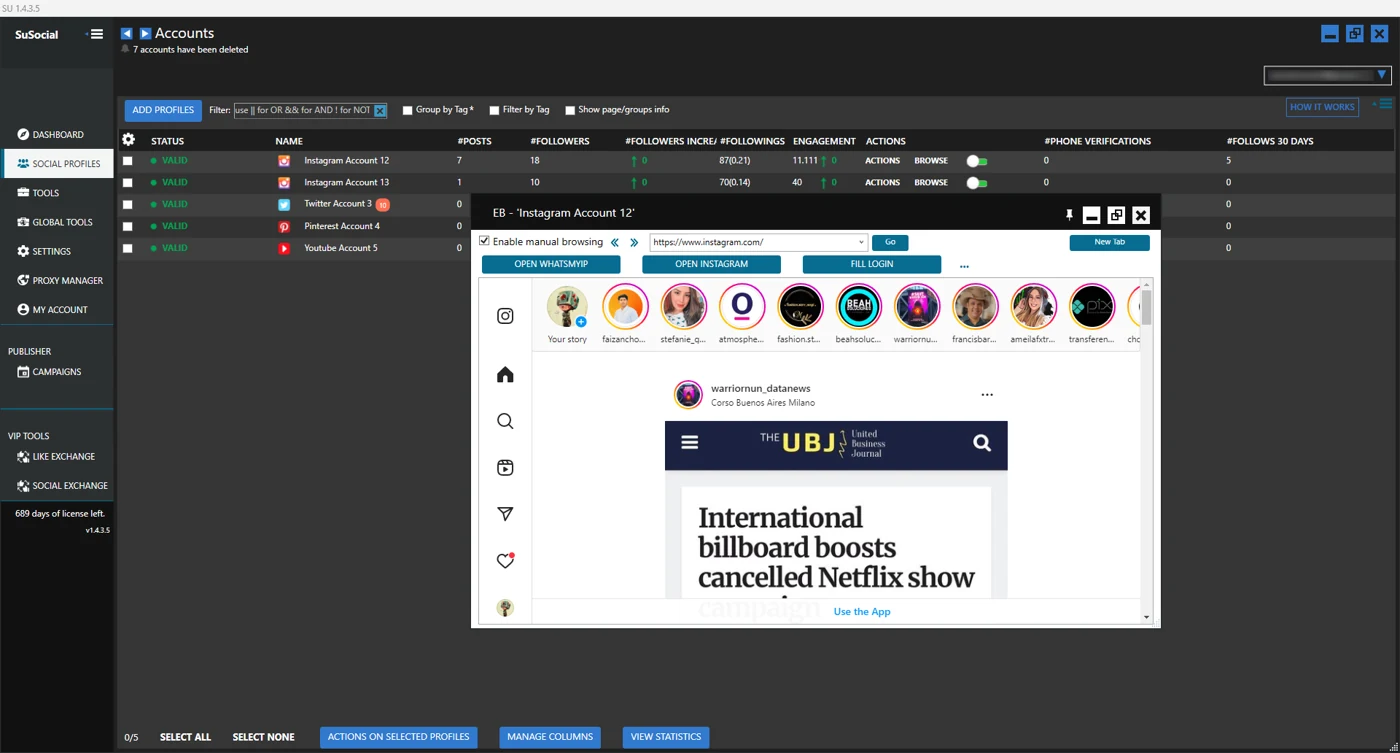
Real product view · All automation tools included in every plan
A little guidance goes a long way.
Explore the setup guides, browse the Knowledge Base, or contact our team for help.