 Instagram
 Facebook
 Twitter
 YouTube
 Pinterest
 LinkedIn
 Tumblr
 Quora
 Reddit
From your next idea to your next Pin.
Schedule Pins, repin content and publish images from RSS feeds to your boards. Create boards, add video Pins, watermark images and configure follow and comment tools.
No credit card required Windows 10+
-
Give content a home
Create boards and organise your Pinterest topics.
-
Prepare the publishing queue
Schedule Pins, repin content and import RSS images.
-
Keep the details connected
Add destination URLs, watermarks and review activity.
Pinterest content works best as part of a clear collection: useful images, relevant board topics and a destination that matches the Pin. For a shop, publisher or visual brand, preparing those details across several accounts can turn into a long list of repetitive tasks.
SU Social brings Pin scheduling, board creation, repinning and RSS image imports into one Windows workspace. Organise content around your board topics, add a default destination URL and watermark your original images before publishing. The account tools and recorded statistics help you keep the wider Pinterest routine organised too.
Turn your Pinterest ideas into a working routine
Think in connected topics rather than isolated Pins. A practical setup links your original content, the boards where it belongs and the page someone should reach when they click through.
Map content to boards
Choose board topics that reflect your products, articles or ideas. Create the boards you need and prepare suitable images and destination links for each collection.
Build the publishing queue
Schedule Pins, select material to repin and import relevant images from RSS feeds. Use the default URL and watermark options where they fit the content you are publishing.
Review the account activity
Check history and statistics as your routine develops. Adjust the board mix, content choices and follow or comment settings around the people you want to reach.
Pinterest tools, explained.
A closer look at the workflow before you get started.
Can I manage both original Pins and repins?
Yes. SU Social includes Pin scheduling, Auto RePin and RSS image imports. The feature list also covers board creation, video Pins and watermarking your original images.
Can Pins keep a consistent destination link?
The Default URL feature adds the destination you configure to your Pins. Use a relevant page for the content you share, and review your settings when the campaign or destination changes.
Can I create Pinterest boards from SU Social?
Create Boards is included in the Pinterest catalogue. Organise the board topics around the products, articles or ideas you want to publish.
Can Pinterest publishing use images from RSS?
Yes. Add Pins from RSS imports images from the feeds you select to your boards. Choose sources whose content fits the topic and purpose of each board.
Can I add a watermark to original Pinterest images?
Watermark your Pins adds a watermark to your original content before publishing. Set it up consistently with the images and brand material you share.
Can I configure Pinterest follow-back activity?
Follow Back is a separate Pinterest tool, alongside Auto-Follow and UnFollow. Choose the actions you need and configure them around the account routine you want to maintain.
Where can I review Pinterest history and statistics?
Monitor your Progress provides history and statistics for the Pinterest account activity. Review that information when adjusting your board mix and publishing routine.
Does Pinterest support text variations in SU Social?
Spin Syntax is part of the Pinterest feature set. Use it in supported fields to prepare variations, then check that the wording still matches the Pin and its destination.
Make room for your next Pinterest idea.
Spend more time on the content behind your Pins. Bring board management, publishing and recurring account tasks together in SU Social.
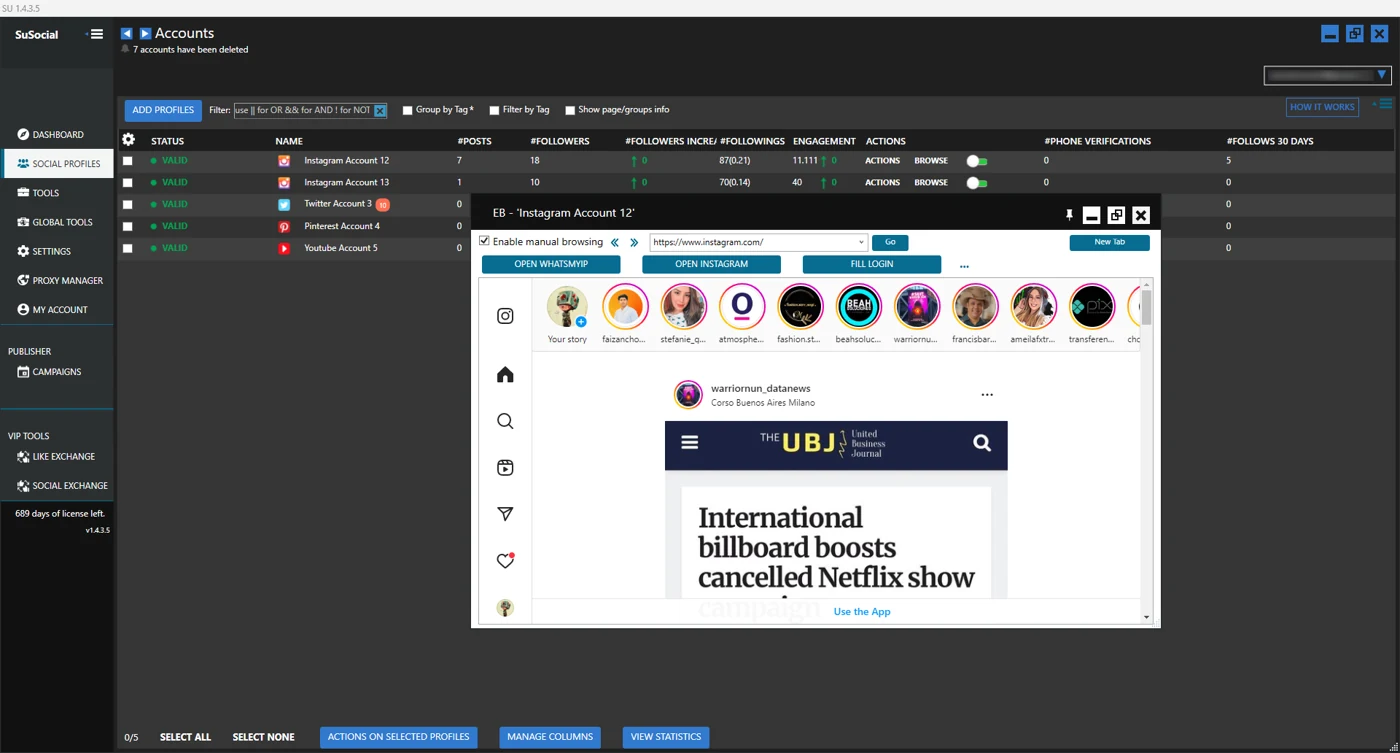
Real product view · All automation tools included in every plan
A little guidance goes a long way.
Explore the setup guides, browse the Knowledge Base, or contact our team for help.