Enjoy a 5-day FREE trial with all our packages, without the need for a credit card.
BASIC
Simple and Affordable
$39.97
- All Automation Tools
- 10 Social Accounts
- 9 Social Platforms Included
- Expert Customer Care
PLUS
Perfect for Growing Businesses
$89.97
- All Automation Tools
- 30 Social Accounts
- 9 Social Platforms Included
- Expert Customer Care
ELITE
For High-Volume and Advanced Needs
$139.97
- All Automation Tools
- 70 Social Accounts
- 9 Social Platforms Included
- Expert Customer Care
What You’ll Receive
SUSocial manages your social media, freeing up your time to focus on your business.
Social Media Scheduling Made Easy
Schedule all your social media updates for Instagram, Facebook, Twitter, Pinterest, LinkedIn, YouTube, Quora, Tumblr and Reddit with ease and efficiency using SUSocial.
Organic Account Growth Made Easy
With SUSocial’s growth hacking tools, you can easily and quickly grow your social media accounts with real and engaged followers, all while maintaining organic growth.
Reach Your Real Audience with SUSocial
With SUSocial’s advanced targeting options, you can easily discover and reach real people who are genuinely interested in your business.
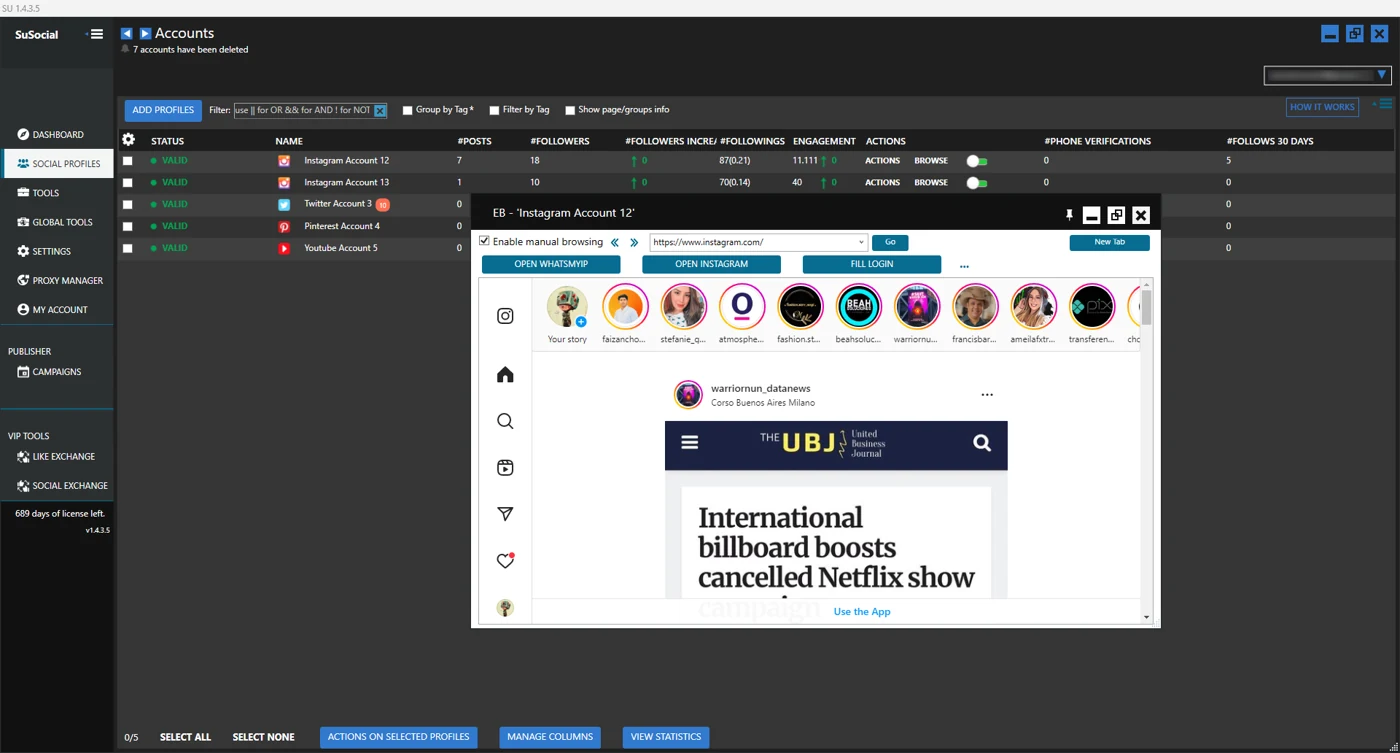
Effortlessly Manage Multiple Accounts
With SUSocial, you can manage multiple accounts for your clients or different businesses with ease, all while maintaining privacy and security.
Boost Your Engagement Rates
With SUSocial, experience remarkable growth, leading to increased engagement rates, website traffic, and sales leads.
Exceptional Customer Support
Our dedicated team of social media experts are committed to providing exceptional customer support to help you build a game-changing business.